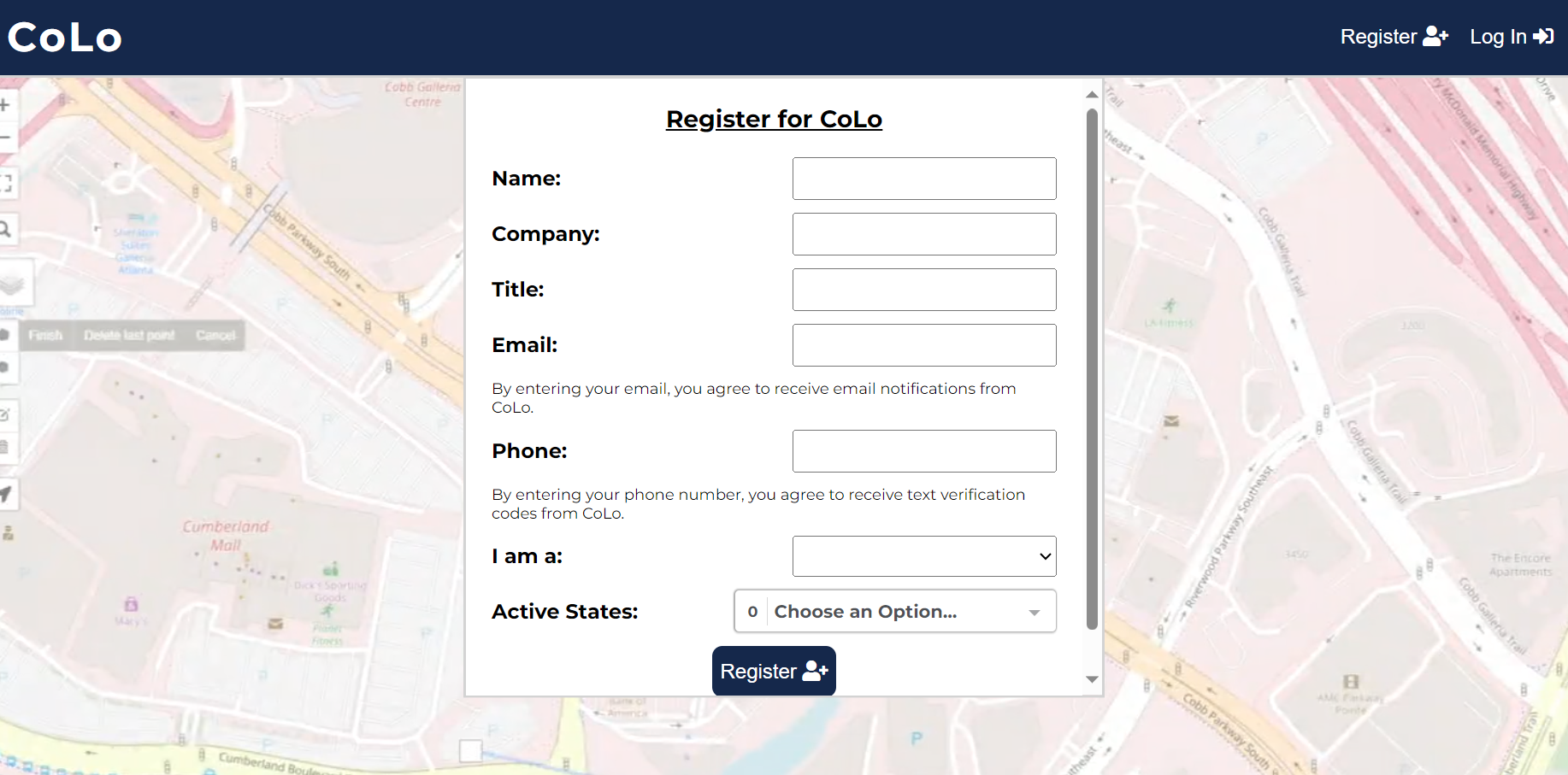
Fill out all the information in the dropdown menu from "Name" through "Active States" then click "Register" below.
Check for an email from CoLo which contains a link to access the site.
Create a password for your account.
Please note: passwords must be between 8 and 100 characters, have an uppercase and lowercase letter, have a number, and not contain any spaces.
Read over and agree to "Co-Lo Platform Terms of Service." If you are an independent contractor, please check off the box at the bottom notifying us of this.