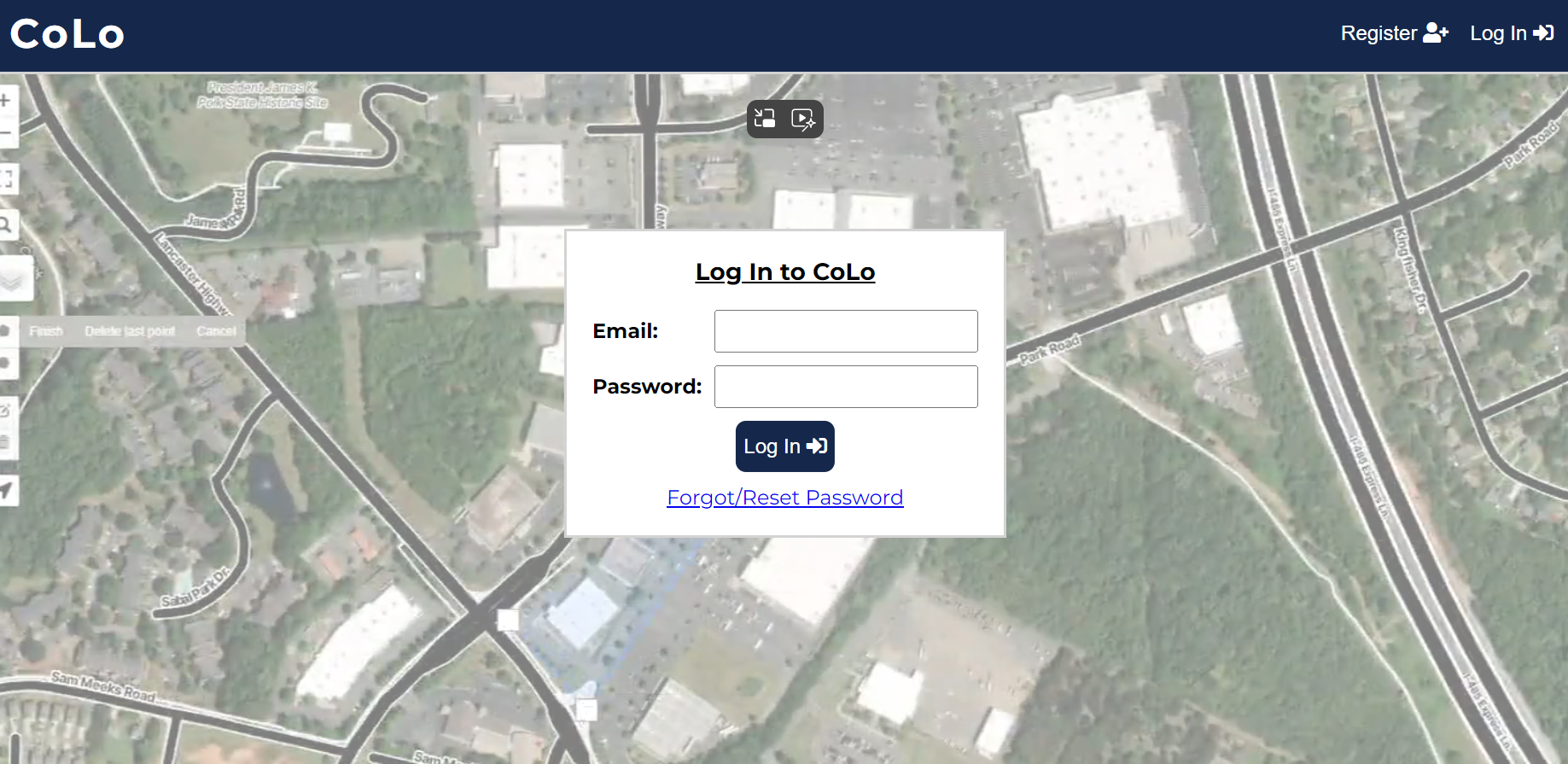
In the case of a forgotten password, you should select "Log In" at the top right of the homepage.
Select "Forgot/Reset Password" at the bottom of the Log In drop box.
Enter the email the account was created under and then click "Send Reset Code."
Enter the password reset code sent to you and put in your new password. Then click "Reset Password."
Please note: the reset code will expire after five minutes and passwords must be between 8 and 100 characters, have an uppercase and lowercase letter, have a number, and not contain any spaces.
Once again select "Log In" on the homepage and you will receive a text message to enter for verification.
Note that the reset code will expire after five minutes.