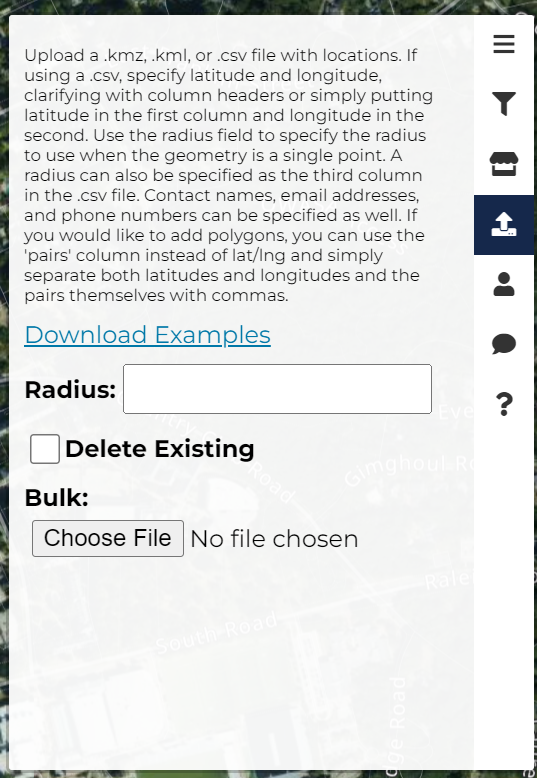
In order to bulk upload hotspots, from the homepage, you'll first need to navigate to the "Bulk Uploads Hotspot " icon on the right taskbar.
As the instructions state, you'll need to upload either a .kmz, .kml, or .csv file with locations.
In the case that you are uploading a .csv file, specify latitude and longitude, clarifying with column headers or simply putting latitude in the first column and longitude in the second.
Use the radius field to specify the radius to use when the geometry is a single point.
A radius can also be specified as the third column in the .csv file.
Contact names, email addresses, and phone numbers can be specified as well.
To add polygons, use the 'pairs' column instead of latitude and longitude and simply separate both latitudes and longitudes and the pairs themselves with commas.
To see some examples of how to format your hotspot files click here.
The examples contain further information on how to format and include contact information.