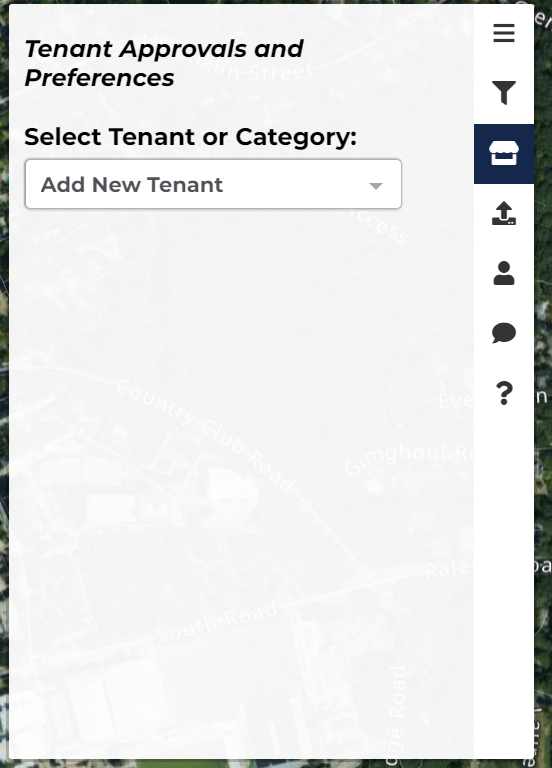
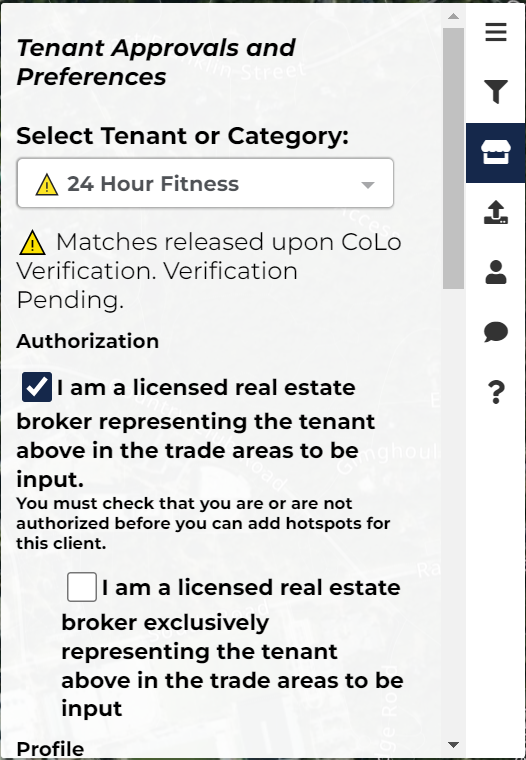
Following this you will see a message beneath saying that your verification is pending, please note that this will not hinder your ability to fill out the rest of the information or create hotspots in any way, we just need time to approve your verification to match with others.
Check one of the two boxes to identify whether or not you are exclusively representing your tenant in the areas to be input.
Under "Profile" check one or both boxes stating whether your tenant needs existing space or has time for new construction.
Note that checking both will assume you are fine with either.
Checking one of the two boxes under "Location Ownership" will tell us whether your tenant is part of a franchisee or corporate company.
The "Building Needs" feature allows us to better understand what kind of requirements your tenant has for their building whether that be free standing, inline, endcap, etc.
Once again note that by checking multiple boxes it is safe to assume you are fine with any of the checked boxes.
Selecting "Free Standing" will reveal a section titled "Single Tenant Building Space."
Selecting "Inline" and/or "Endcap" will reveal a section titled "Multi-Tenant Building Space."
Under "Parking Spaces" please input the minimum and maximum parking spaces needed.
For "Rent" and "Land Cost" please input the amount of money you'd be willing to pay.
The section titled "Deal Structure" allows CoLo to better understand what kind of financial structure is behind the growth strategy.
The "Pre-Approved Co-Tenants feature allows you to pre-approve of companies and categories that you could match with.
The "Competitors (Not Approved)" and "Categories (Not Approved)" features will prevent you from matching with any of your selected choices.